Description
Every template can be adapted to your own data, branding and way of working.
What’s included
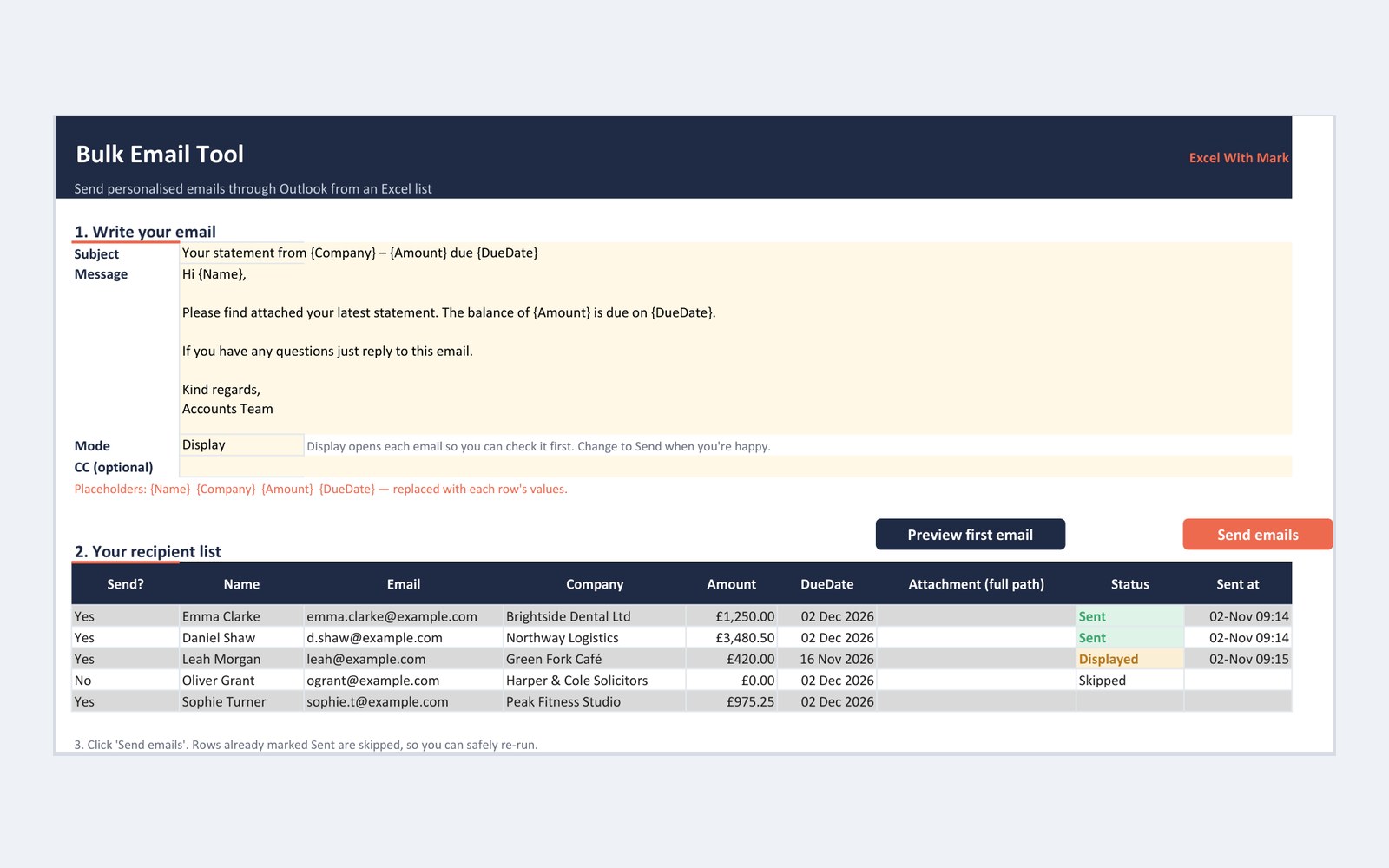
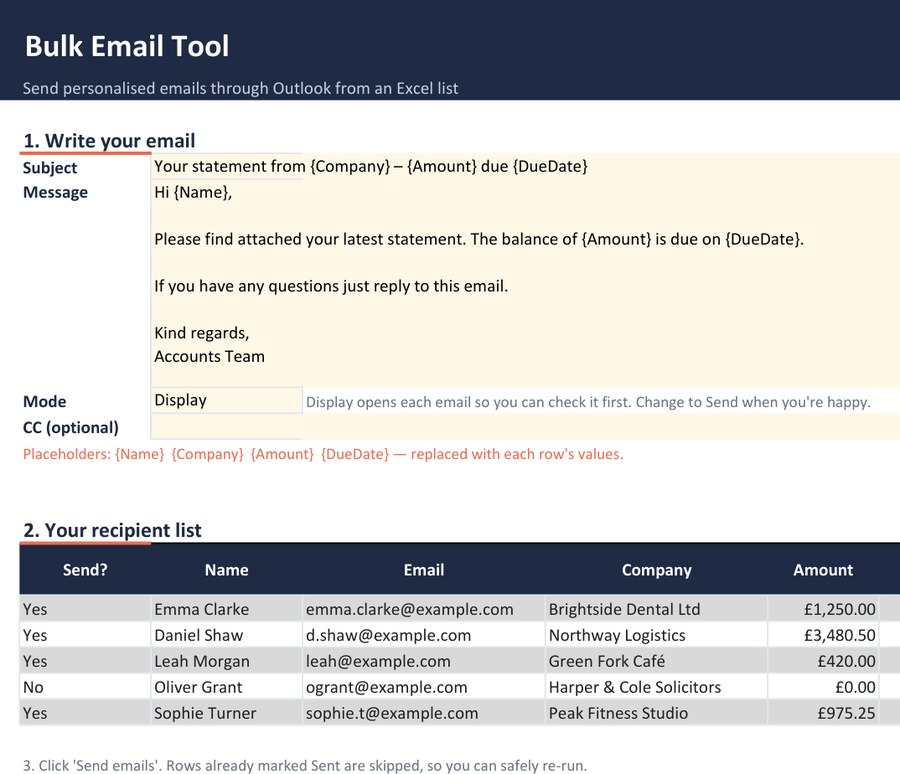
- Personalised subject and body fields
- Optional attachments per recipient
- Preview before sending
- Sent log with date and time
File details
- Format: Macro-enabled Excel workbook (.xlsm)
- Sheets: How to use, Email Sender
- Works with: Excel 2016 or later / Microsoft 365 for Windows (desktop), with the classic Outlook desktop app. The ‘new Outlook’ for Windows and Outlook on the web can’t be controlled by Excel macros. Your Outlook signature is added under each email.
- Before you open it: Windows blocks macros in files downloaded from the internet. Right-click the downloaded .zip, choose Properties, tick Unblock and click OK, then extract it and open the .xlsm from the extracted folder. The READ ME FIRST file in the zip has the same steps.
- Included: sample data to explore, plus a ‘How to use’ sheet with step-by-step instructions
Need it tailored to your own data or branding? Get in touch for a free 15-minute call.